 Co-Drawing
One canvas. Everyone’s ideas.
Draw, add notes, and build on each other’s thinking with a real-time shared whiteboard.
A little space for your next big idea. Sketch, map things out, and find the answer together—without leaving your Google Meet call.
Built for Google Meet · Connect with Google Drive
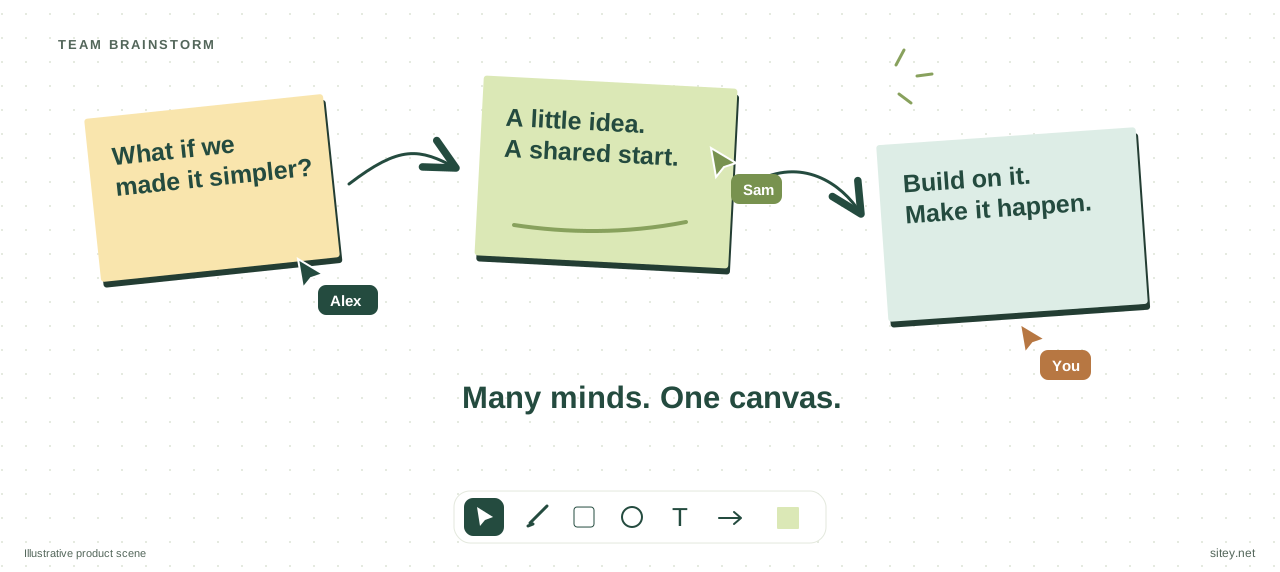
Draw, add notes, and build on each other’s thinking with a real-time shared whiteboard.
Open Co-Drawing from Google Meet activities and invite the people in your call to join.
Authorize Google Drive and enable auto-save to keep your whiteboard for later.
Turn a conversation into a plan everyone can see. Connect ideas with arrows, add context with notes, and work through the next step together.
Get to know Co-Drawing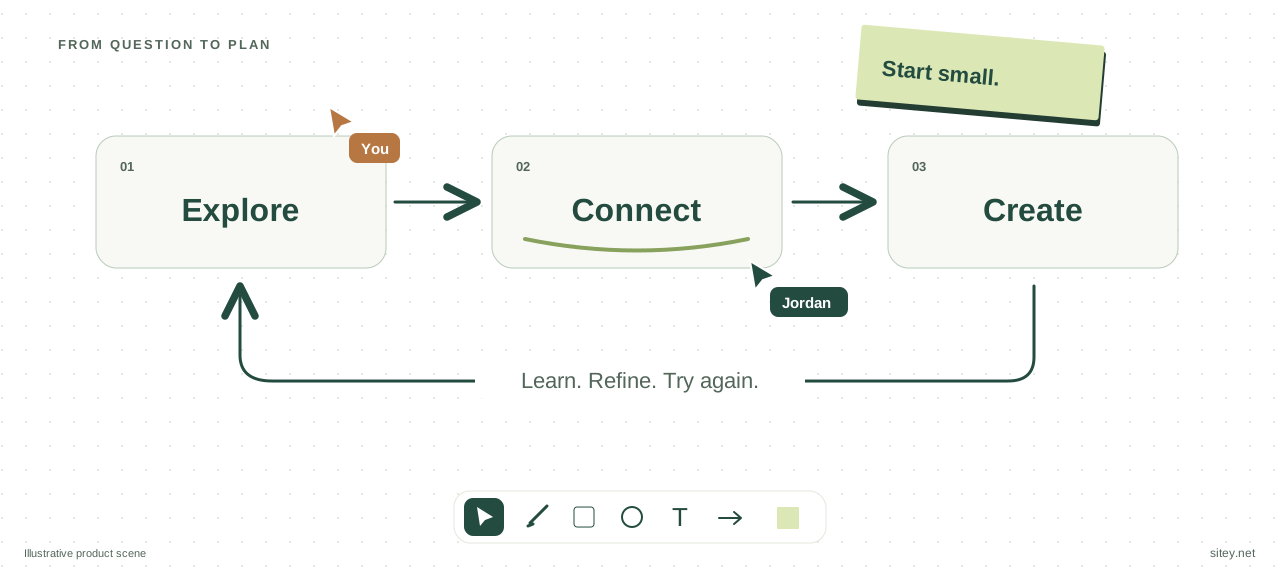
Start a shared document in Google Meet. Connect Google Drive and enable auto-save to keep your work for the next conversation.
How saving works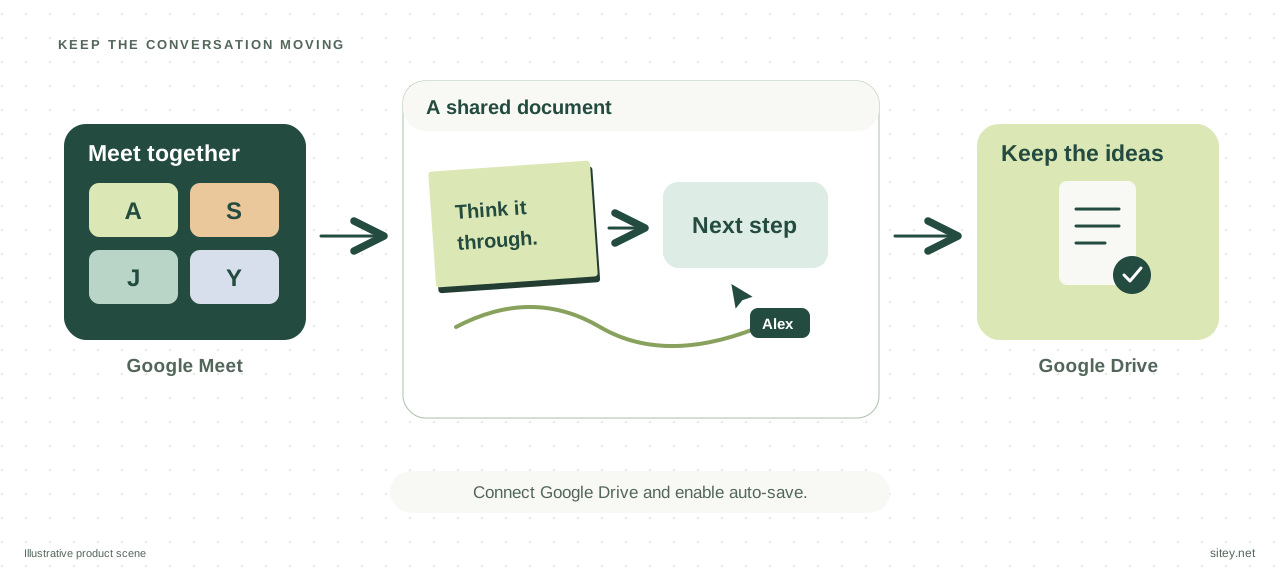
Install Co-Drawing from Google Workspace Marketplace. Your organization may require administrator approval.
In a Google Meet call, open Activities, choose Co-Drawing, and start a session so others can join.
Build your ideas on the canvas. To keep a copy in Google Drive, sign in, grant access, and enable auto-save.
Google, Google Meet, Google Drive, Chrome, and YouTube are trademarks of Google LLC. Co-Drawing is an independent product and is not endorsed by Google.